Test Sherpa before activation
Use representative questions to check what Sherpa answers, what it cites and when it should ask for help.
Build a test set
- Open Customer Support > Quality.
- Add a question and choose its audience.
- Enter account IDs when the test is account-restricted. Choose the language.
- Choose the expected result, such as Answer, Abstain or Human handoff.
- Enter expected article IDs when a citation is part of the test.
- Save the case. Include ordinary questions and questions the bot must not answer from restricted sources.
For activation, use at least 20 distinct questions. At least five must cover restricted or unavailable-source cases.
Run and review
Choose Run saved cases. Open the run and inspect each result. Check citations, source access, answer correctness and expected actions. Enter a review note and choose Pass or Fail.
Automated checks help find problems. They do not decide whether product advice is correct. A person must review each result.
Accept for activation
An authorized Admin opens the completed run, enters an acceptance reason and accepts it for Sherpa activation. Every case must meet the acceptance checks and human review requirements. Changed test suites or revoked sources require a new accepted run.
Check the result
The run shows acceptance for activation. Publish Sherpa separately after the other setup requirements are met. Re-run relevant questions when you change knowledge, source filters or customer actions.
Screen guide
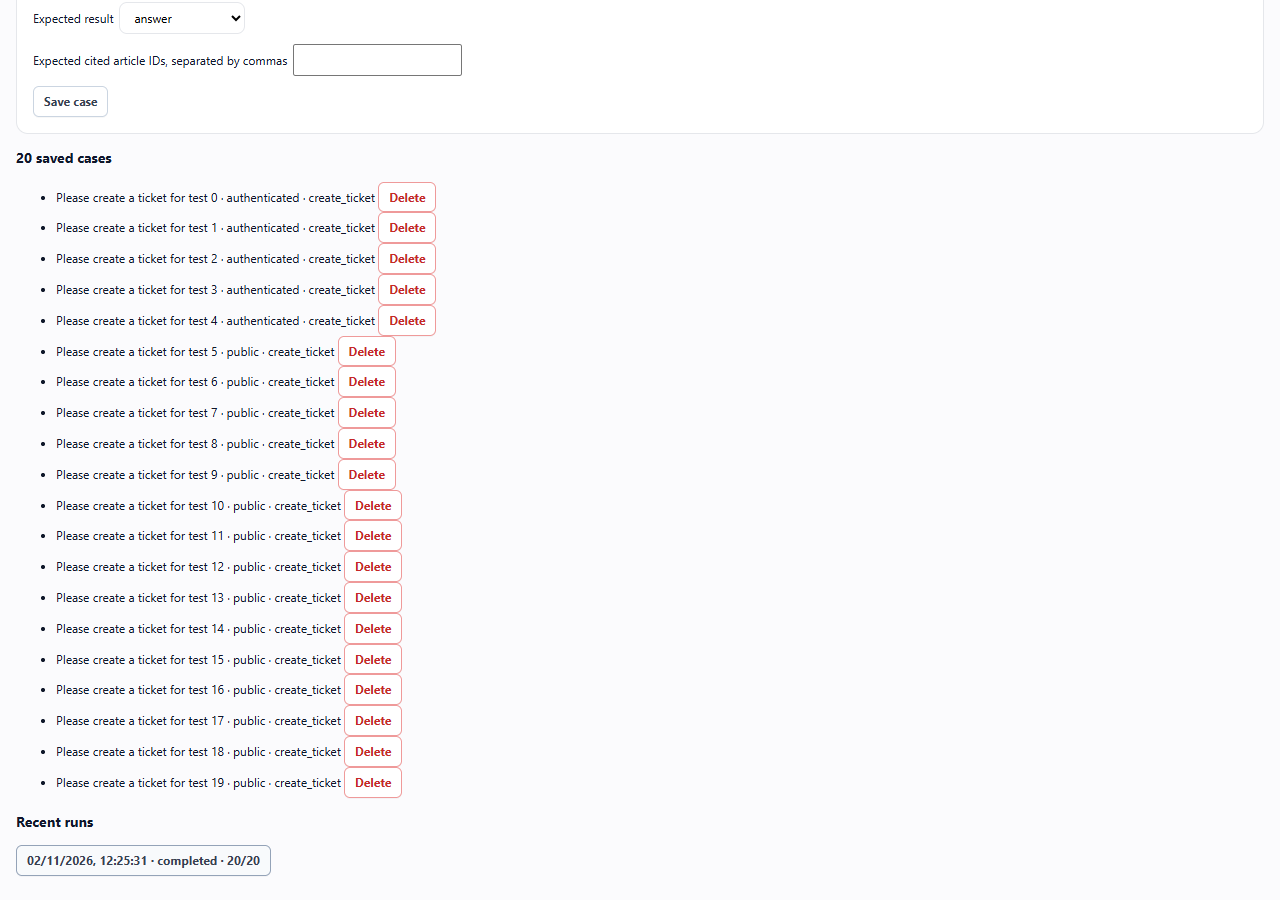
Quality workbench with a reviewed example run.. These images use example data. Values shown are not defaults.
- Use the subtabs to move between test cases, gaps and maintenance.
- Open a result to check its sources and expected action.
- A reviewed result is separate from a person accepting the whole suite for activation.